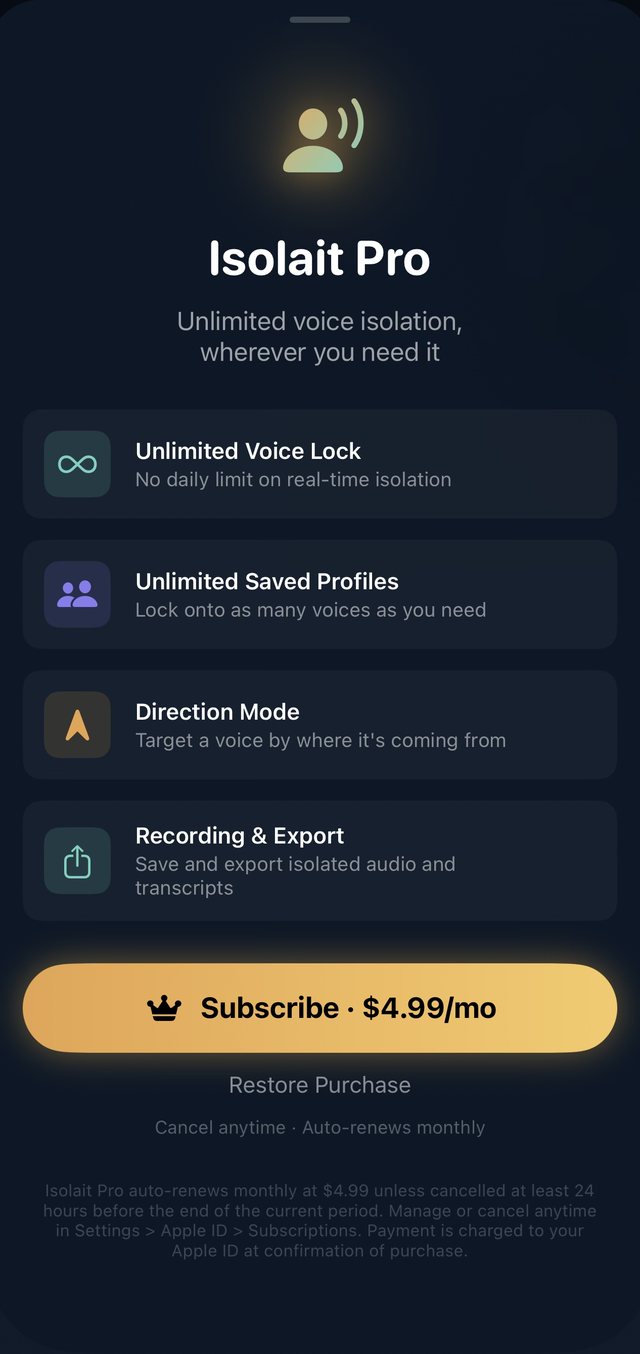
Voice Lock
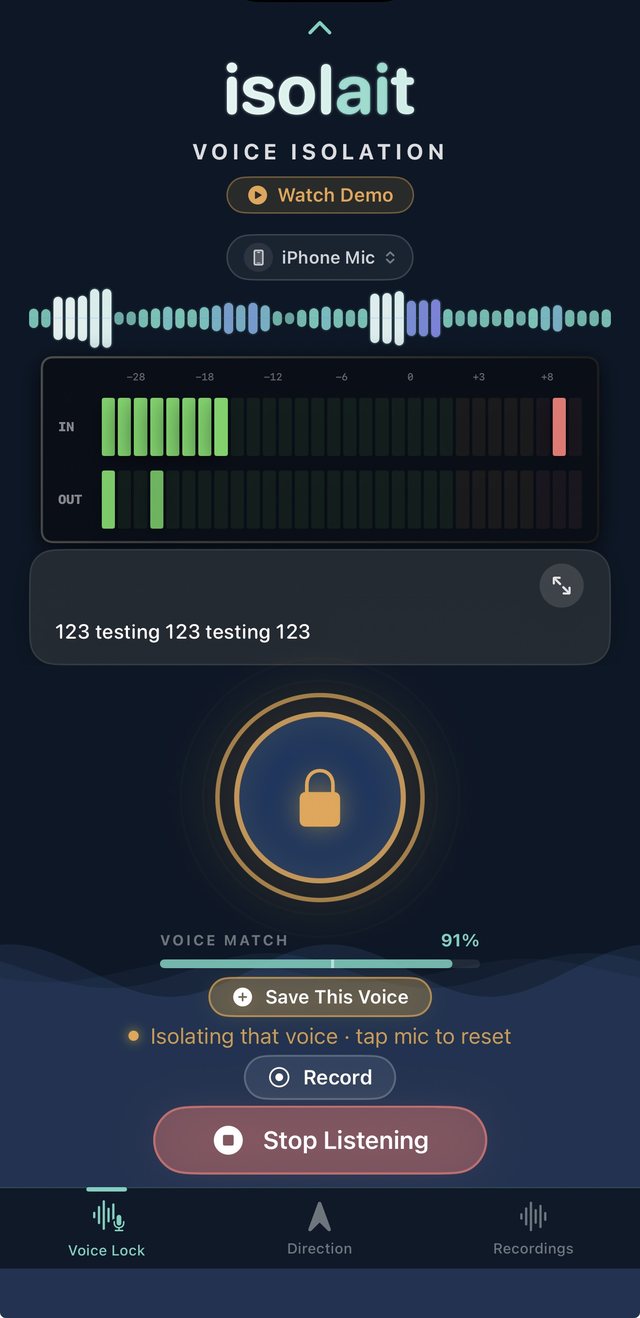
Tap the mic to sample any voice nearby. Isolait captures a unique voice fingerprint in seconds, then locks onto that speaker — filtering out background noise and every other conversation in the room.
Direction Lock (Patent-Pending)
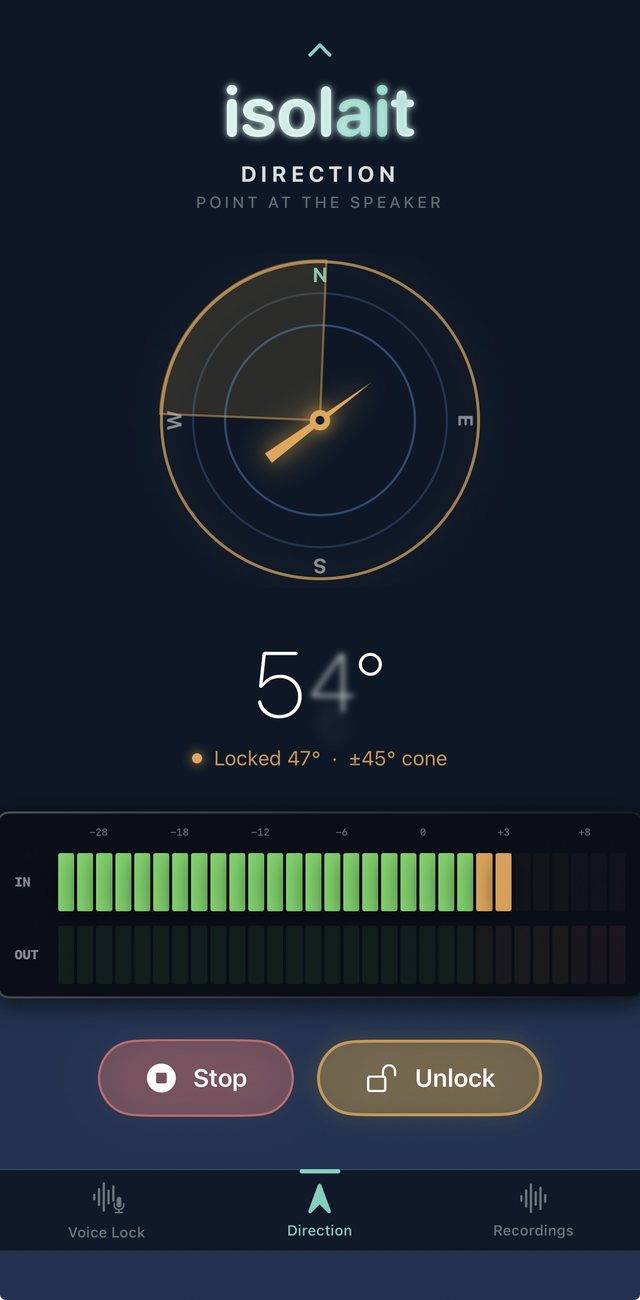
Point your phone at the person you want to hear. Isolait combines your device's heading with microphone beamforming and voice fingerprinting to isolate not just a voice, but the direction it's coming from. Currently supported on your iPhone's built-in mic; AirPods support is coming in a future update.
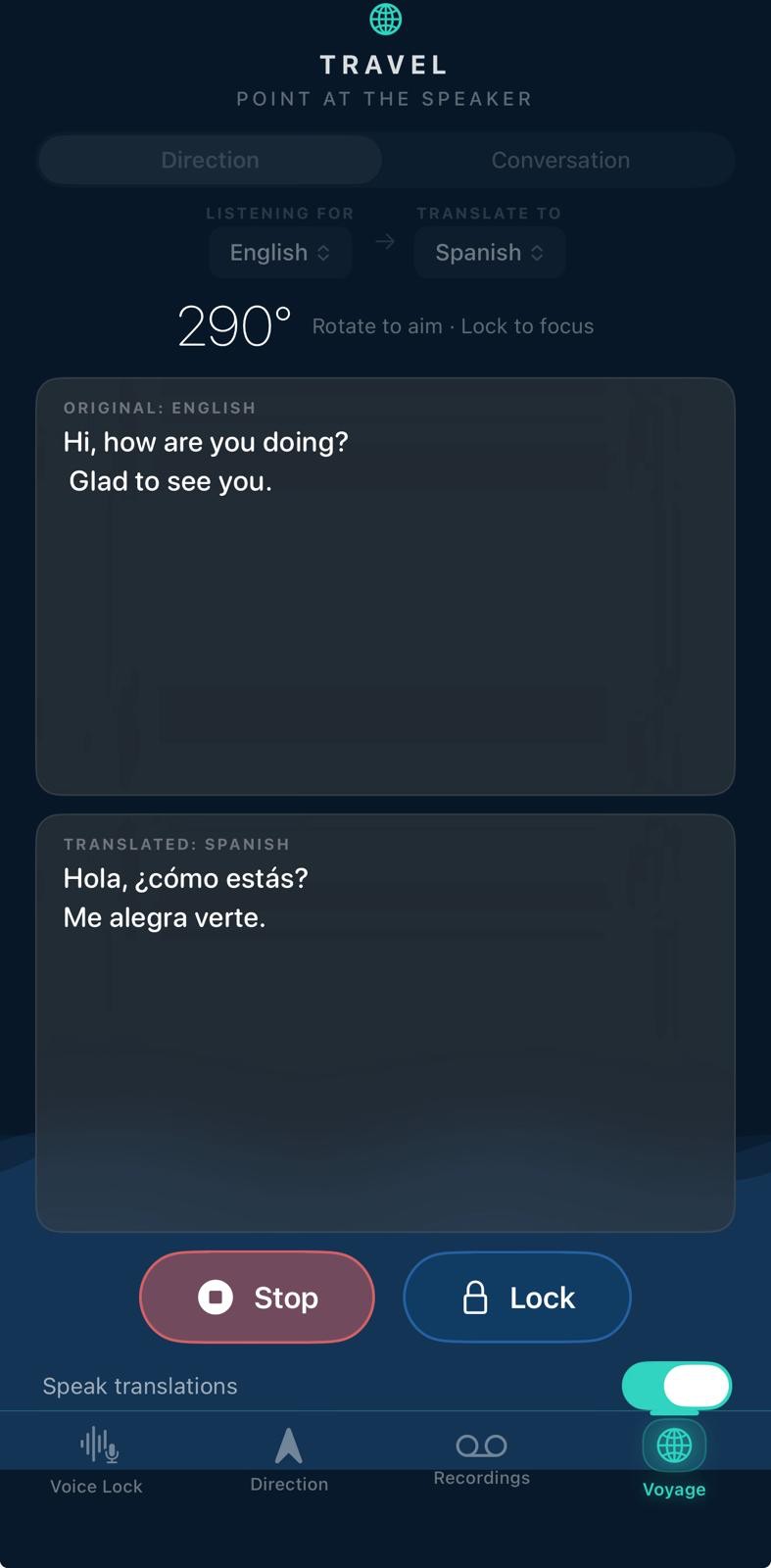
Voyage — Live Translation
Point your phone at someone speaking another language and hear it translated back, live and entirely on-device — no typing, no server round-trip, nothing leaves your phone. Save and export the session right on the spot. An experimental two-way Conversation Mode lets you and the other person each speak your own language, both sides translated as you go. Free every day, with a daily time cap.
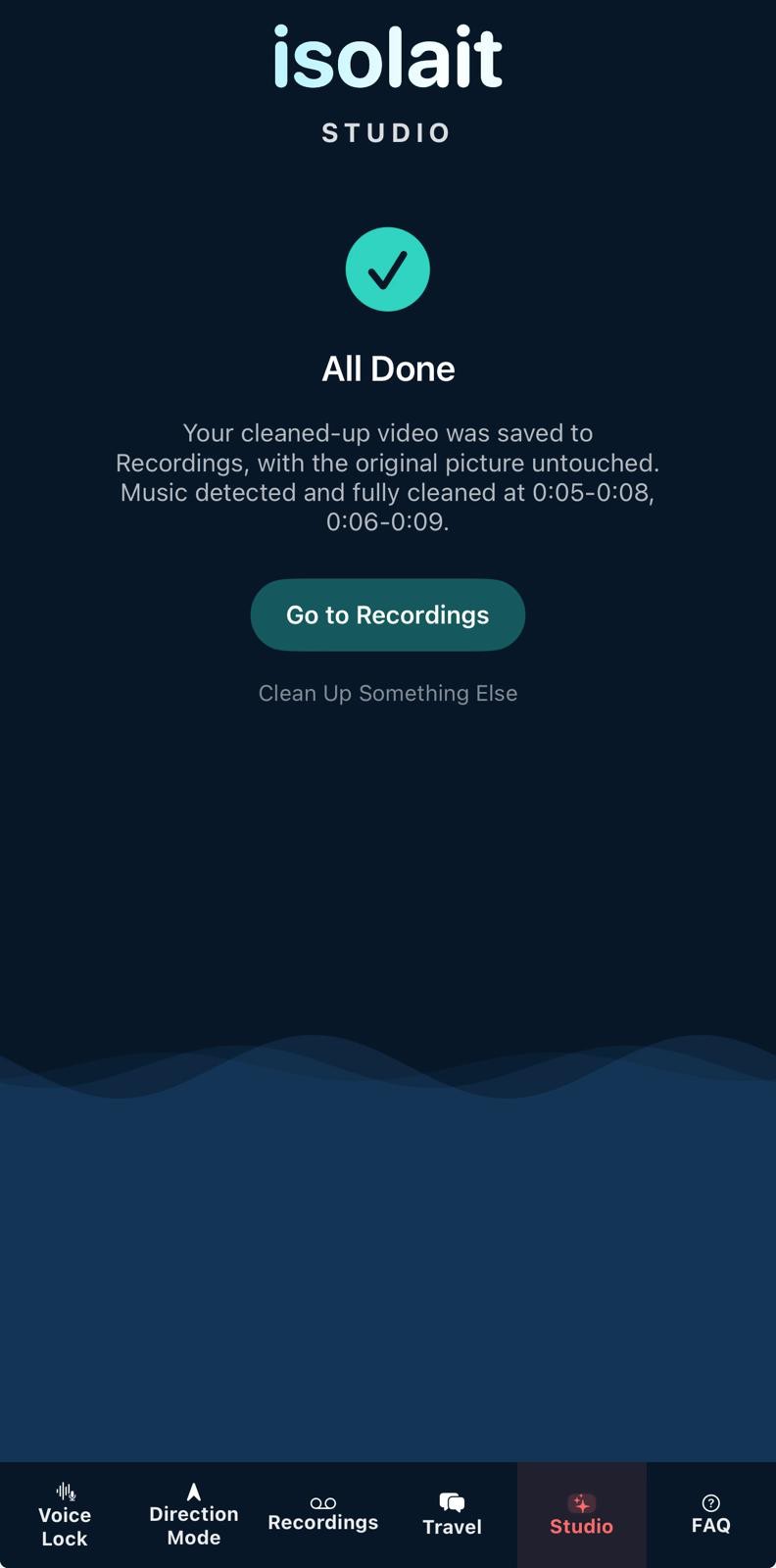
Studio
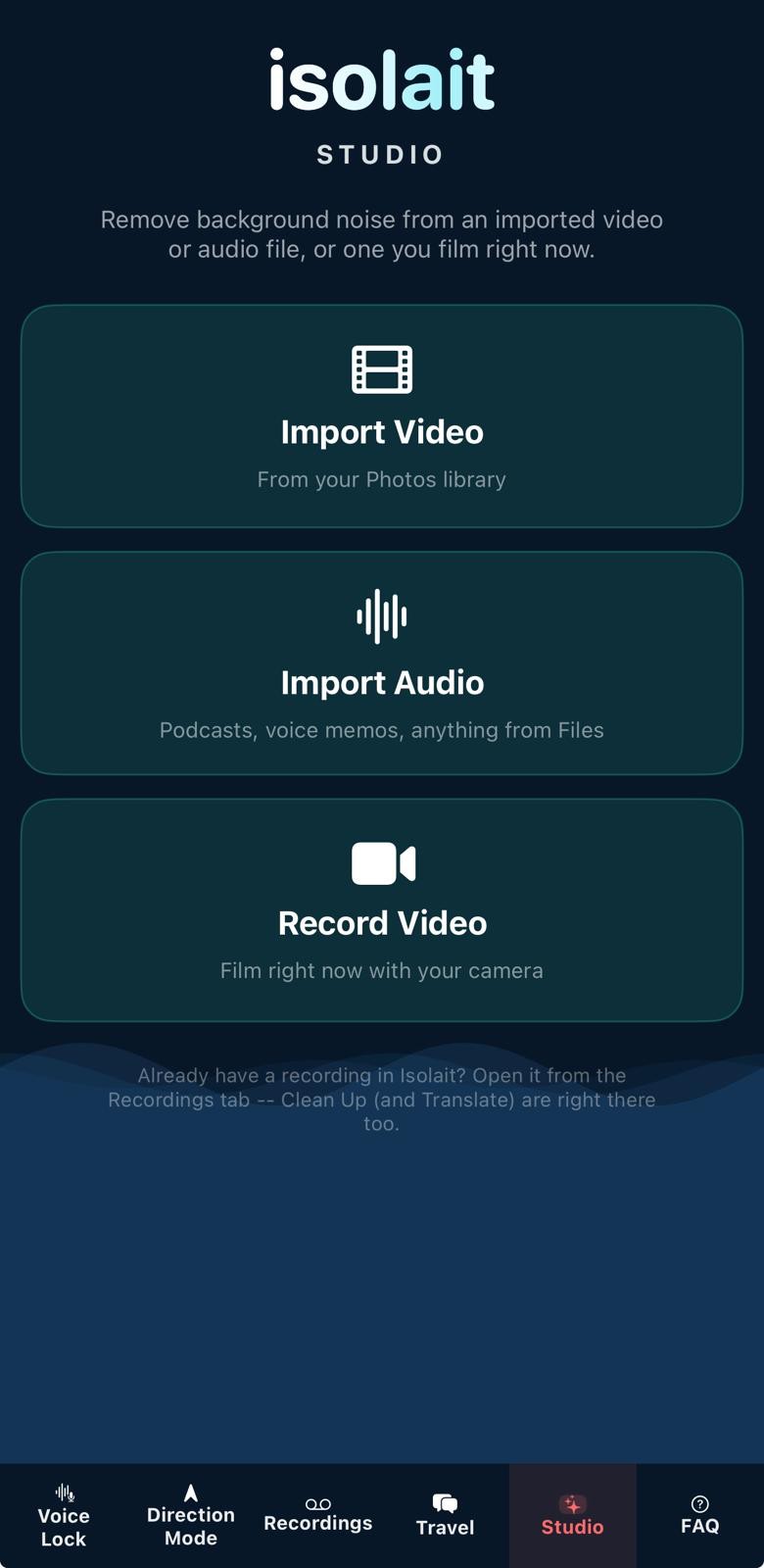
Bring your own audio and video into Isolait, not just what you capture live. Import a video from your camera roll, an audio file from Files, or film one right in the app — then run on-device AI Clean Up to strip background noise, with an optional Transcribe toggle for a speaker-labeled transcript you can translate and export too. Longer imports now show real progress through Clean Up, Transcribe, and Identify Speakers, instead of just a spinner.
Identify Speakers (New)
Built for podcasts, interviews, and any recording with more than one voice. Isolait labels who's speaking in a Studio import or a Voice Lock recording — anyone you've saved a Voice Profile for gets their real name, everyone else gets "Speaker 1," "Speaker 2," and so on. Entirely on-device.
Live Spectrum View
Watch your audio environment come alive with a real-time visualizer — see exactly what's coming in, and exactly what isolait is sending back out.
Isolated Transcription
Get a live transcript of your locked speaker only — cross-talk and background noise stay out of your notes, not just out of your ears. Transcribed entirely on-device, with nothing sent anywhere to make it happen. Read a long or multi-speaker transcript full-screen, at whatever size is easiest to read.
Enhanced Transcription (New, Optional)
On fast or overlapping speech, on-device recognition can miss words. This opt-in setting — off by default, and switched on one recording at a time — lets you choose more complete, off-device transcription when you want it. Voice isolation and cleanup always stay on-device, no matter what.
Saved Voices
Lock a voice once and keep it. Isolait remembers the voices that matter so you can drop back into a lock in a tap, no re-sampling required.
Pick Your Input
Switch between your iPhone's mic, AirPods, or any connected Bluetooth headset right in the app — isolait detects what's available and adapts to whichever one you're using.
Lock Screen Control
See who's locked in and control isolait right from your lock screen or AirPods — no need to keep the app open or your phone unlocked.
Siri & Widgets
Say "Hey Siri, start listening" to lock in hands-free, or tap a Home Screen widget to jump straight into a lock — isolait meets you wherever you already are.
Built for Privacy
Isolait runs entirely on-device using Apple's Neural Engine. No audio is ever uploaded, stored, or shared — what you hear stays with you, full stop.
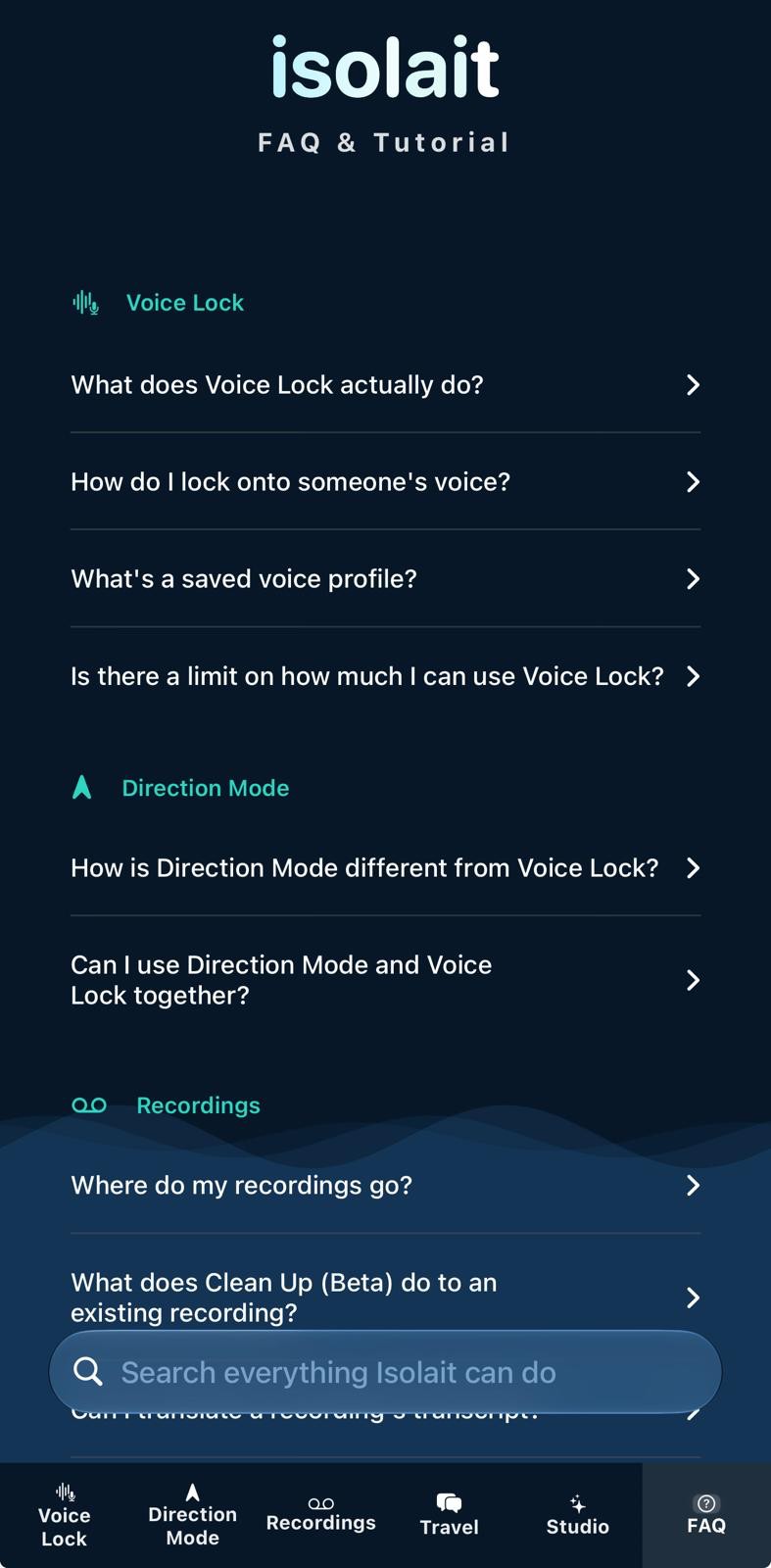
FAQ & Tutorial (New)
A full, searchable guide to everything Isolait can do, built right into the app — no more digging through settings to remember how a feature works.